
The verdict
Evidence note: This is a research-based breakdown of published pricing, documented features, and independent user-rating data. It is not presented as a hands-on test unless explicitly stated.
Copper scores 4.0/5 in our comparison model. Based on the available evidence, it's best suited to google workspace teams and smbs and agencies working in gmail. Seamless for Google Workspace users. The main trade-offs: only compelling for google-centric teams; limited value for microsoft 365 users; fewer advanced features than larger crms. Pricing starts at $23/mo.
What Copper looks like
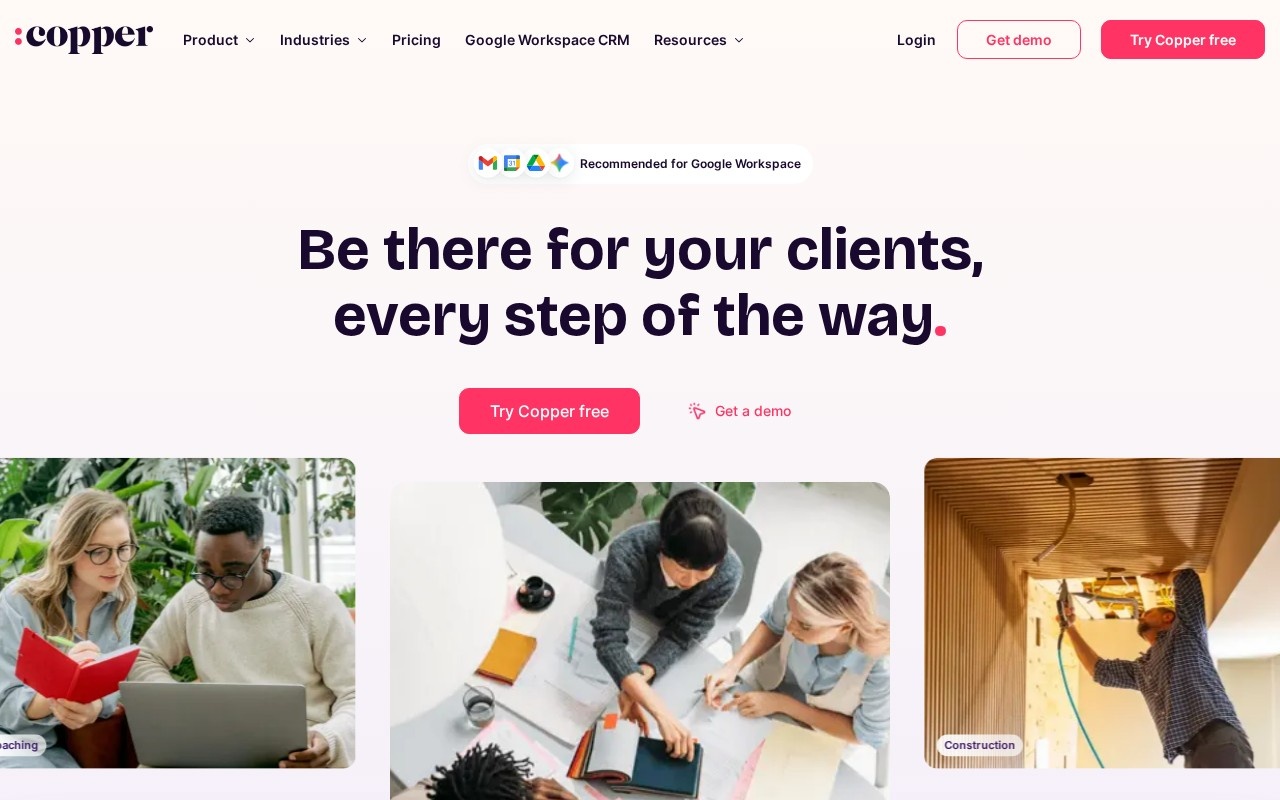
A live snapshot of Copper's site so you can eyeball the look and feel before clicking through.
Pros & cons
- Seamless for Google Workspace users
- Auto-captures contacts and emails
- Clean, low-friction interface
- Only compelling for Google-centric teams
- Limited value for Microsoft 365 users
- Fewer advanced features than larger CRMs
Key features
- Deep native Google Workspace integration
- Gmail and Calendar sidebar CRM
- Automatic contact and activity capture
- Pipeline and opportunity management
- Workflow automation and tasks
- Reporting dashboards and email templates
Pricing
Per-seat pricing; entry Basic tier is $23/seat/mo billed annually ($29 month-to-month).
| Plan | Monthly | Annual (per mo) | What you get |
|---|---|---|---|
| Basic | $29 | $23 | per seat |
| Professional | $69 | $59 | per seat |
| Business | $134 | $99 | per seat |
Transaction fees: None (CRM). Prices verified against Copper's pricing page; verify current pricing ↗.
Who should use Copper?
Good fit
- Google Workspace teams
- SMBs and agencies working in Gmail
Look elsewhere
- Microsoft 365-centric organizations
Weighing the field? See Copper alternatives →.
Frequently asked questions
How much does Copper cost?
Copper starts at $23/mo. Per-seat pricing; entry Basic tier is $23/seat/mo billed annually ($29 month-to-month).
Does Copper charge transaction fees?
Transaction fees: None (CRM). Factor this in — it often costs more than the monthly fee at volume.
Who is Copper best for?
Copper is best for google workspace teams and smbs and agencies working in gmail. It's less ideal for microsoft 365-centric organizations.