
The verdict
Evidence note: This is a research-based breakdown of published pricing, documented features, and independent user-rating data. It is not presented as a hands-on test unless explicitly stated.
Descript scores 4.4/5 in our comparison model. Based on the available evidence, it's best suited to podcasters editing efficiently and creators repurposing content. Edit media like a document. The main trade-offs: media hours capped; ai credits can run out; overage on heavy use. There's a genuinely usable free plan, so you can try it at zero cost.
What Descript looks like
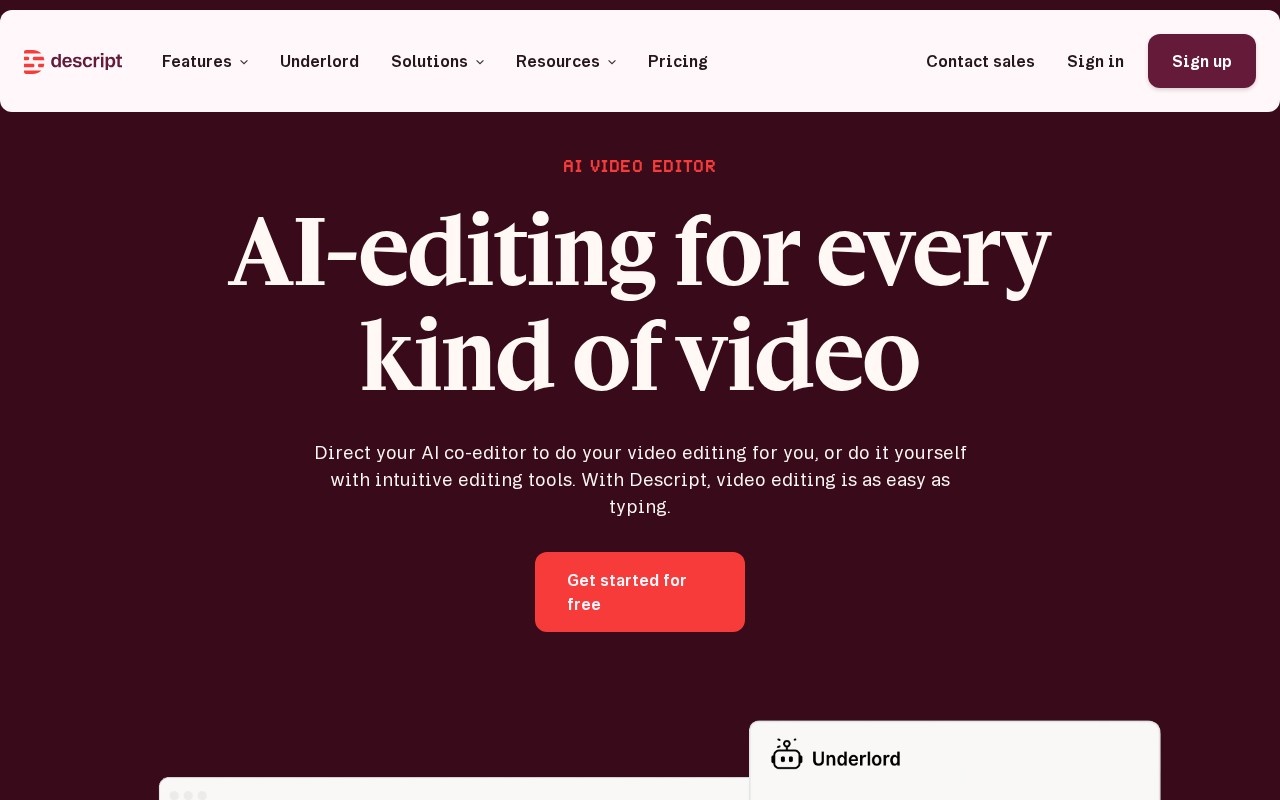
A live snapshot of Descript's site so you can eyeball the look and feel before clicking through.
Pros & cons
- Edit media like a document
- Powerful AI cleanup & voice
- Permanent free tier
- Media hours capped
- AI credits can run out
- Overage on heavy use
Key features
- Text-based audio/video editing
- Transcription in 25+ languages
- Screen & A/V recording
- Underlord AI co-editor
- Studio Sound & AI voice
- Multitrack editing & publishing
Pricing
Free plan covers ~1 media hour; Hobbyist starts at $24/mo ($16 annual), scaling by media hours and AI credits.
| Plan | Monthly | Annual (per mo) | What you get |
|---|---|---|---|
| Free | Free | Free | 1 hr media, watermarked exports |
| Hobbyist | $24 | $16 | 10 hrs/mo, 400 AI credits, 1080p |
| Creator | $35 | $24 | 30 hrs/mo, 800 credits, 4K, full AI |
Transaction fees: 0%. Prices verified against Descript's pricing page; verify current pricing ↗.
Who should use Descript?
Good fit
- Podcasters editing efficiently
- Creators repurposing content
Look elsewhere
- Pro editors needing frame-precise NLE
Weighing the field? See Descript alternatives →.
Frequently asked questions
How much does Descript cost?
Descript is free to start. Free plan covers ~1 media hour; Hobbyist starts at $24/mo ($16 annual), scaling by media hours and AI credits.
Does Descript charge transaction fees?
Transaction fees: 0%. You keep the full sale (minus your payment processor).
Who is Descript best for?
Descript is best for podcasters editing efficiently and creators repurposing content. It's less ideal for pro editors needing frame-precise nle.